iOS Lock Screen Widget
Learn new words every time you check your phone.
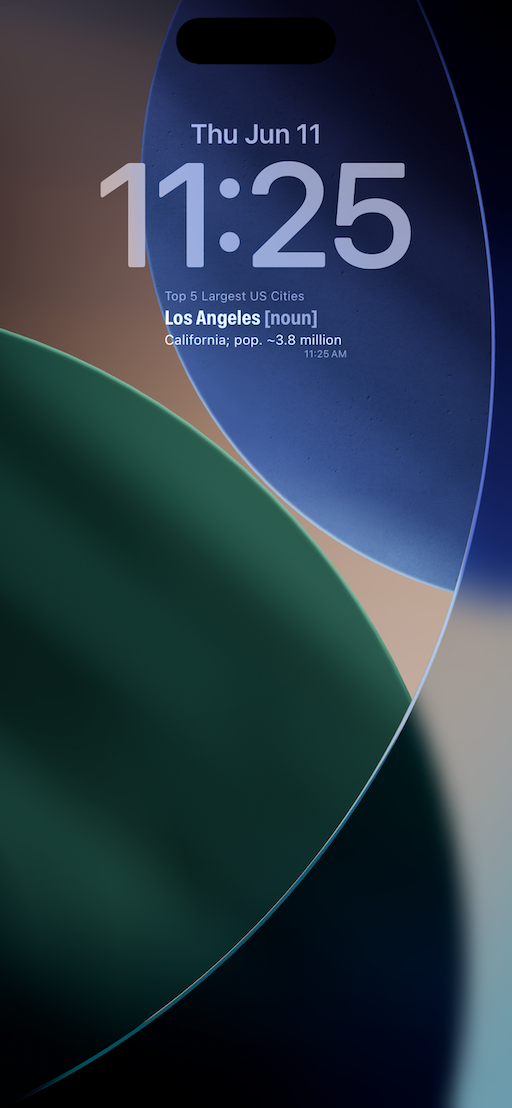
LockLearn rotates vocabulary on your lock screen automatically — a new word and definition every 10 minutes, all day, with zero effort on your part.
iOS Lock Screen Widget
LockLearn rotates vocabulary on your lock screen automatically — a new word and definition every 10 minutes, all day, with zero effort on your part.
How it works
Add words by topic — a language you're studying, SAT prep, industry terms, anything you want to know better. Include a definition and grammar type for each.
Long-press your lock screen, tap Customize, then add the LockLearn widget. Takes about 30 seconds. You only do this once.
Every time you pick up your phone, there's a new word waiting. No app to open. No notifications. No sessions to start or finish.
Passive Learning
The average person checks their phone over 90 times a day. LockLearn turns every one of those glances into a micro-lesson — a word, its grammar type, and its definition, quietly changing in the background every 10 minutes.
Your Words
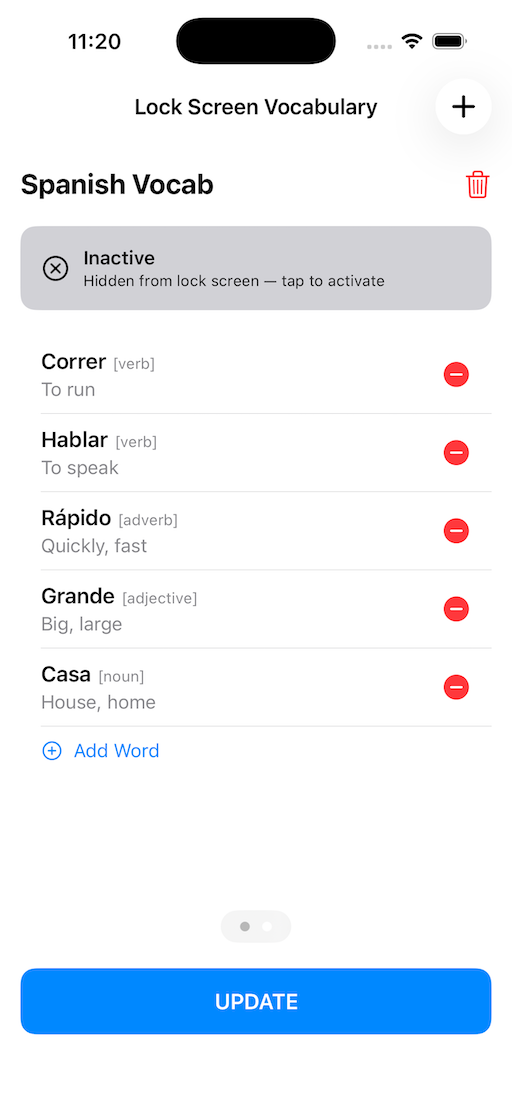
Organize words into topics that actually matter to you. Studying Spanish? Build a Spanish tab. Prepping for a certification? Add your technical terms. Each word includes a grammar label — noun, verb, adjective, and more — so you learn how the word works, not just what it means.
Gallery

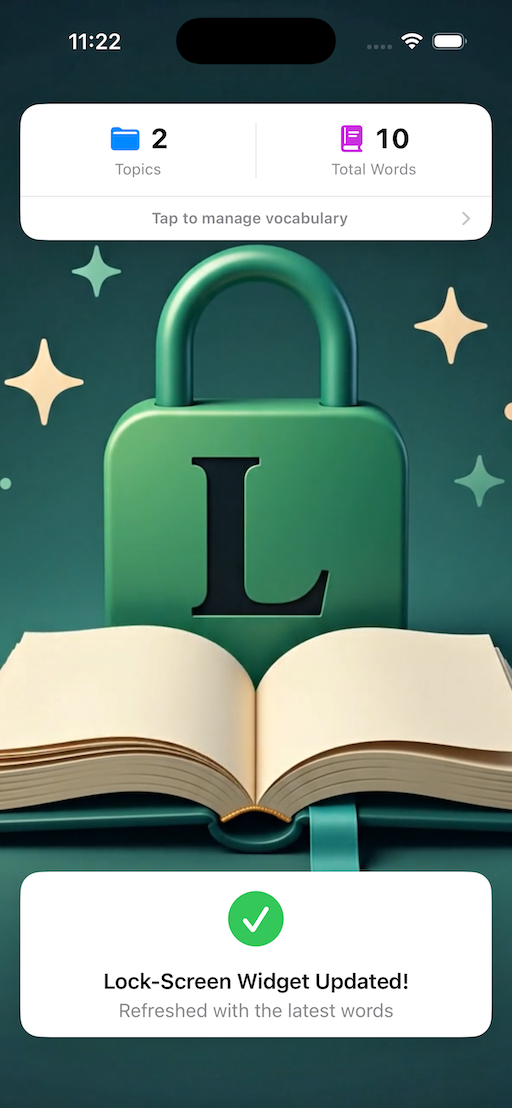
Home screen Vocabulary dashboard
Lock screen widget A new word every 10 minutes
Vocabulary manager Build and edit your lists
Pricing
LockLearn is completely free with up to 20 words — no trial, no expiration. Power users can unlock unlimited vocabulary with a single one-time purchase. No subscription. Not now, not ever.
Free
$0
Forever. No catch.
Power User
One-time
Pay once. Yours forever.
Get Started
Free to download. Free to use. Add the widget once, and let your phone do the teaching.
Download on the App Store